Every day, hundreds of thousands of businesses do something most of them don't realize is public: they tell the entire internet they have a marketing budget. The moment a business launches a Facebook or Instagram ad, that ad lands in a free, searchable database anyone can open without an account. No NDA, no paywall, no special access. Just a browser and a search bar.
That database is the Meta Ads Library, and most freelancers, agencies, and B2B sellers still treat it as a tool for "spying on competitors" rather than what it actually is: the single largest public list of pre qualified, budget confirmed leads on the internet. This guide walks through exactly what the library shows in its current 2026 version, how to read it for buying signals instead of just creative inspiration, the manual process for pulling leads from it, why that process breaks down past a certain scale, and — backed by real 2026 outreach data — what actually works once you have the list.
What the Meta Ads Library Actually Shows You in 2026
The Meta Ads Library (formerly the Facebook Ad Library) is Meta's free, public transparency database, live at facebook.com/ads/library. It launched in 2018 as a political ad disclosure tool in the wake of the Cambridge Analytica scandal, then expanded to cover every active ad on Facebook, Instagram, Messenger, and the Audience Network in 2019. No Facebook account is required to search commercial ads — only political and social issue ads sit behind a login wall, since Meta wants a verified identity attached to that kind of research.
For every active ad, the library shows you the advertiser's name and linked Facebook Page, the full creative (image, video, or carousel), the exact start date, which platforms it's running on, and whether it's currently active. A few features that shipped in late 2025 and early 2026 make the library noticeably more useful for lead generation specifically, not just creative research:
- Impression ranges now apply to every ad, not just political ones. You can see a rough reach bucket (under 1K, up to 1M+) for any commercial ad, which gives you a proxy for how seriously a business is investing in that specific campaign.
- A "Low Impression Count" badge flags ads that reached fewer than 100 people. This is genuinely useful for filtering — an ad with this badge is usually a test, a draft, or something that got killed fast, not a business actively scaling.
- Advertiser profile pages now show 12 month cumulative ad spend for a growing set of commercial advertisers (in the tens of thousands as of early 2026), giving you a rough sense of budget tier without ever speaking to the business.
- Threads and WhatsApp are now standalone platform filters, alongside Facebook, Instagram, Messenger, and Audience Network.
What the library still doesn't show: exact spend on non political ads, audience targeting details outside the EU/UK (where DSA disclosure rules force Meta to show more), or any performance data like click through rate or conversions. And critically for lead generation — commercial ads disappear from the library the moment a campaign ends. There's no historical archive for regular ads the way there is for political ones, so what you're looking at is always a live snapshot of who's spending right now.
Why a Business Running Ads Is a Warmer Lead Than Anyone on a Purchased List
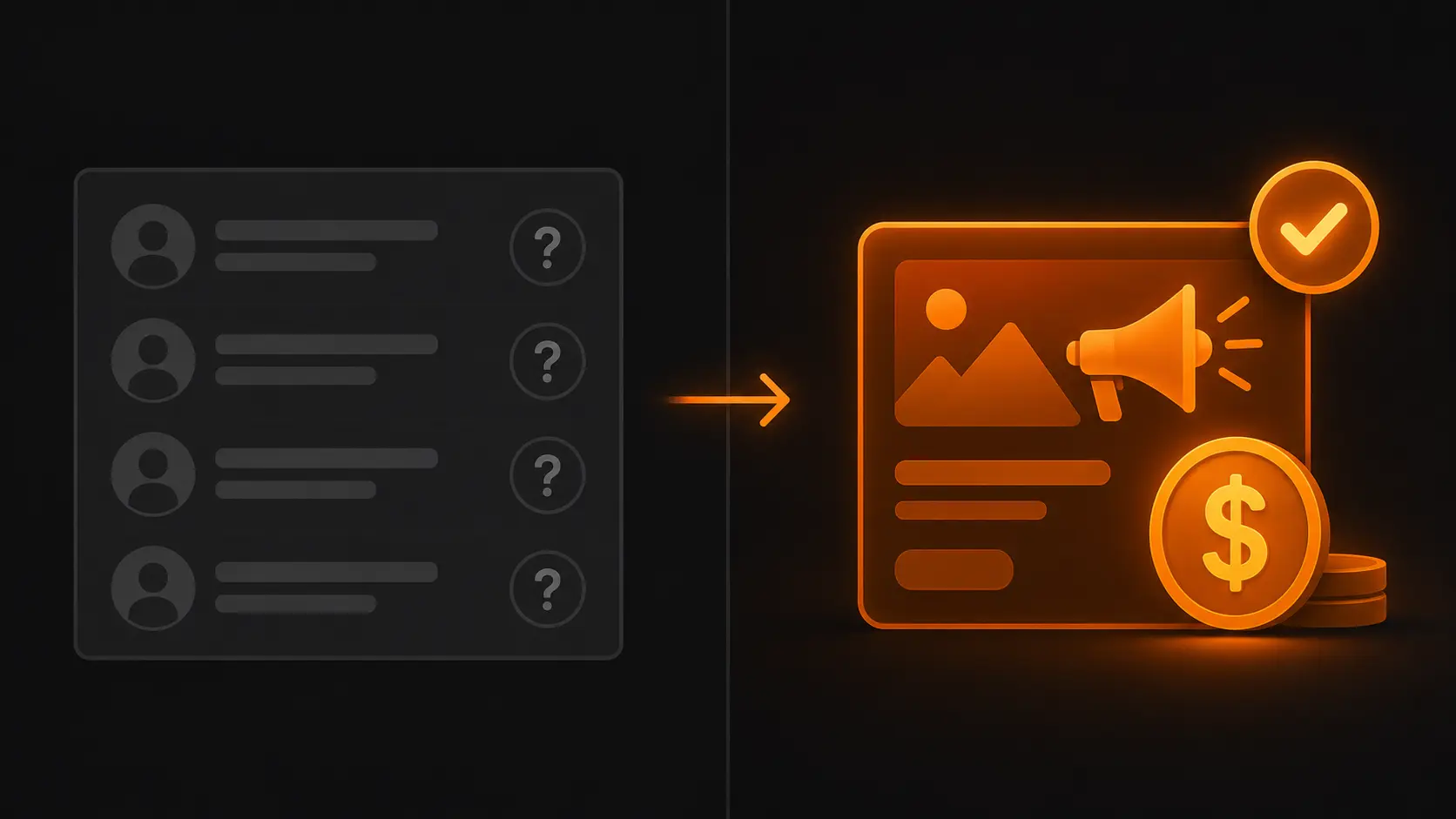
Most cold outreach starts from a list built on firmographic guesses — company size, industry, job title. None of that tells you whether the business actually has budget allocated right now, or whether they're in a buying mindset at all. A business actively running a Meta ad solves both problems before you've sent a single message.
Their budget is confirmed, not assumed. You're not guessing whether they "might" have marketing spend. You're looking at proof they're spending money on customer acquisition this week.
They already understand the value of marketing. You don't need to sell them on the concept of paid advertising or convince them that a landing page matters — they're already paying to drive people to one. Your pitch starts several steps further down the funnel than it would with a cold business that's never run a campaign.
Their gaps are visible before you ever talk to them. Open the ad and you can usually see exactly what's weak: a generic stock photo, copy that reads like a template, a landing page link that goes to a slow or cluttered page. That's not a hypothesis you're pitching — it's something you can point to directly.
They're actively in growth mode. A business that just started running ads has made a recent decision to invest in acquisition. That's frequently the exact window where they're also evaluating the people and tools around that campaign — designers, copywriters, video editors, CRO consultants, agencies.
How to Read the Library as a Buying Signal, Not Just a Creative Archive
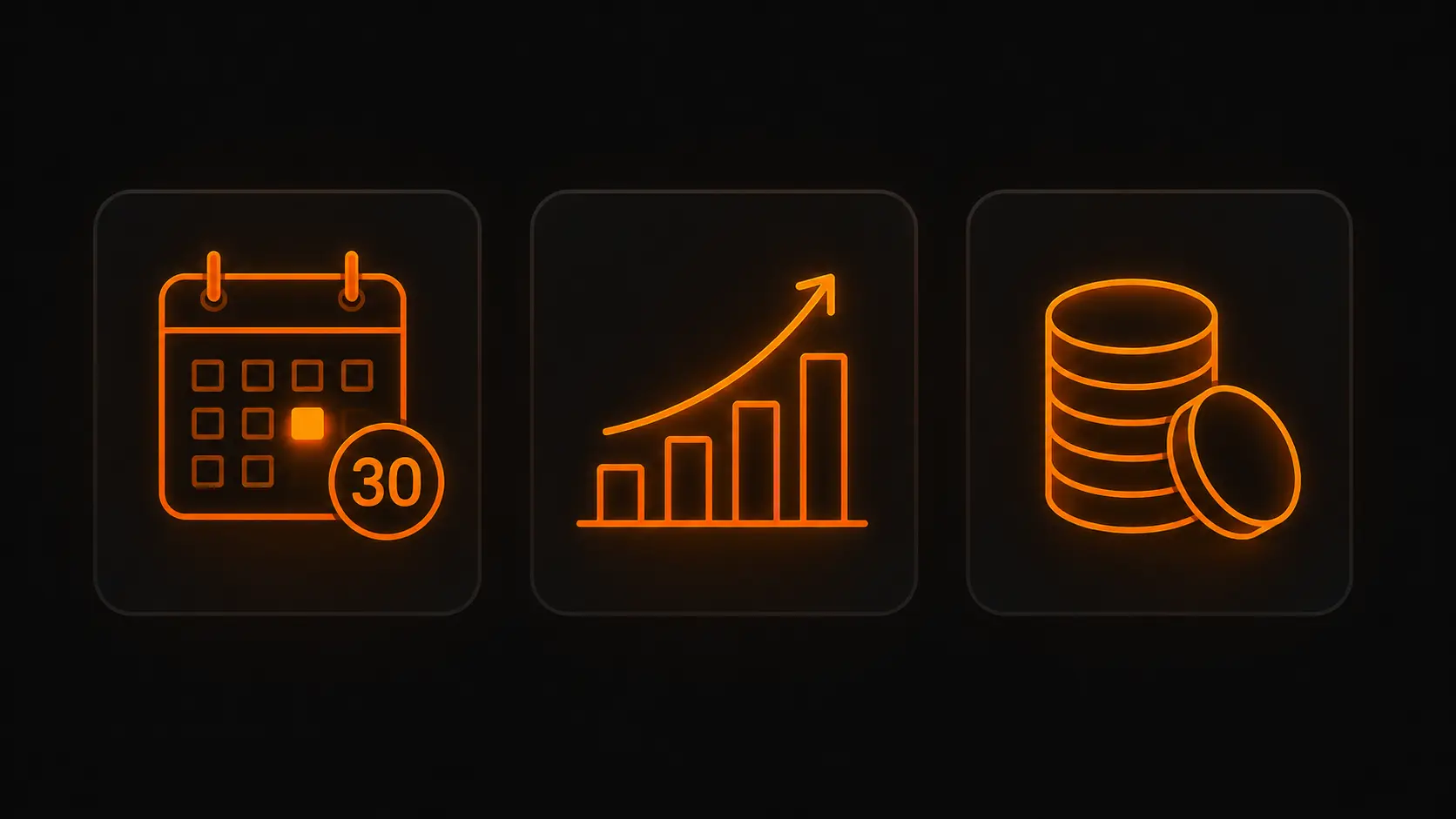
Most guides to the Meta Ads Library are written for competitive research — "see what your rivals are testing." For lead generation, you want to read the same data differently. Three signals matter more than anything else:
Longevity is the strongest signal in the entire tool. Filter for ads that have been active for 30+ days. An ad that's still running a month later means the business hasn't pulled the plug, which almost always means it's converting well enough to justify continued spend. That's a business with proven budget and an active campaign — exactly the profile worth prioritizing first.
Impression range tells you if it's a real campaign or a test. An ad sitting at "under 1K" impressions after a few weeks, especially one carrying the Low Impression Count badge, is probably a draft or a campaign that quietly died. An ad in the 10K–100K+ range that's still active is a business genuinely scaling something.
Cumulative spend on the advertiser profile tells you the budget tier. Where this data is available, it's the closest thing the library offers to "can this business actually afford what I'm selling." A brand with six figures in 12 month cumulative spend is a different conversation than one with a few hundred dollars.
Stack all three — active 30+ days, meaningful impression range, no Low Impression badge — and you've found the top slice of businesses in your niche that are demonstrably serious about growth.
Step by Step: Finding Leads in the Meta Ads Library Manually
Here's the actual workflow, start to finish.
1. Open the library and set your country and category. Go to facebook.com/ads/library, pick the country you're targeting from the dropdown (this filters by the audience the ad is shown to, not the advertiser's home country), and set Ad Category to "All ads."
2. Search your niche as a keyword. Type a phrase like "e commerce clothing brand," "real estate agent," "fitness coach," or "video production company." Try a few phrasings — keyword search only matches ad text and advertiser names, so it can miss relevant ads where the niche term doesn't appear verbatim in the copy.
3. Filter for Active status and a 30+ day date range. This immediately removes one off tests and surfaces the businesses with proven, ongoing campaigns.
4. Check the impression range and skip anything flagged Low Impression Count. This filters out dead on arrival tests so you're spending time on businesses with a real campaign behind the ad.
5. Click into each result and pull what you need. Note the business name, click through to their Facebook Page, and from there find their website link, any visible contact info, and a specific detail from the ad itself (the offer, the creative angle, the landing page) you can reference later in outreach.
6. Repeat per niche and per country. Each combination is a separate search — there's no way to pull "all e commerce clothing brands across every English speaking country" in one query.
Where Manual Search Breaks Down
This process genuinely works. It also genuinely doesn't scale. A few structural limits show up fast:
You only see roughly 20-30 results per search, with no bulk export option, so building a meaningful list means running the same search repeatedly and manually tracking what you've already logged. There's no way to filter by company size, no way to pull contact details automatically, and no way to verify an email before you send to it. Visiting each business's website individually to find a contact method is its own separate task on top of the search itself. Realistically, building a clean, verified list of 30-50 leads this way takes two to three hours — and that's before you've written a single outreach message.
None of that makes the manual method wrong. It's the right way to start, especially for a single niche or a handful of high value prospects you want to research deeply. It just isn't the right method once you need volume — multiple niches, multiple countries, or a repeatable weekly pipeline.
The Faster Way: Automating Meta Ads Library Lead Generation
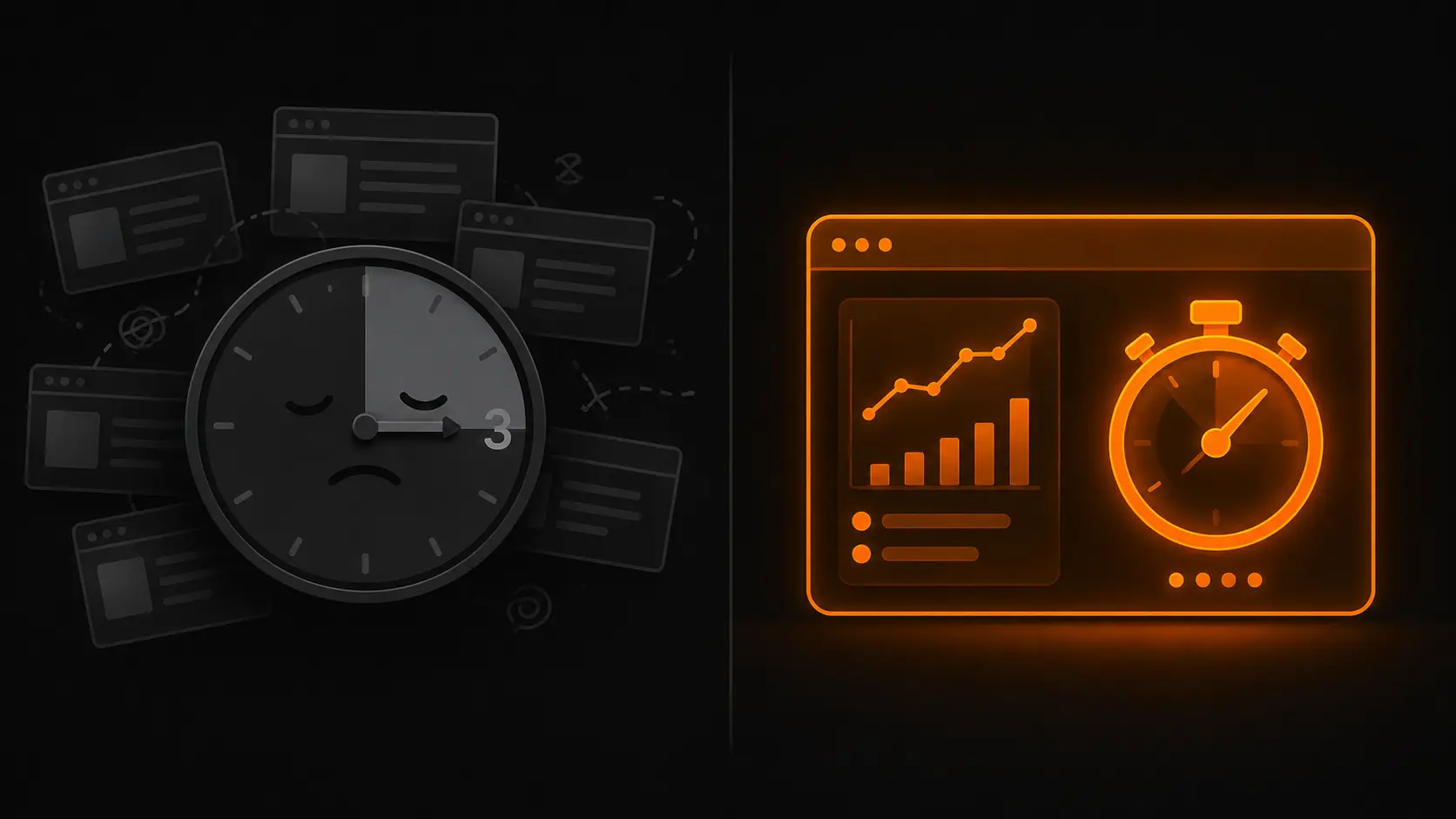
This is exactly the gap a tool like Advorly is built to close. Instead of manually paging through 20-30 results at a time, you type your niche, pick a country, and the tool pulls directly against the Meta Ads Library to return up to 500 leads in under a minute — each one already including the business name, their Facebook Page, their website, and what they're actually advertising.
The part that saves the most time isn't just the speed of the search, it's what comes after it. Each lead also comes with an AI generated outreach message built from the specific ad that business is running, so instead of staring at a blank message box for every single prospect, you start from a relevant first draft and edit it into your own voice.
The math is straightforward: what takes 2-3 hours manually for 30-50 leads takes under 60 seconds for up to 500. That doesn't replace the judgment of reading the signals above — you still want to prioritize the businesses with strong longevity and real impression ranges — but it removes the part of the process that was never adding value in the first place: the copying, clicking, and re searching.
Turning a Lead List Into Clients: The 2026 Outreach Playbook
A list of warm leads is only half the job. What you do with it determines whether any of this turns into revenue. Current 2026 cold email benchmark data is unambiguous on a few points that directly change how you should write these messages.
Reference the specific ad, not their industry
The single biggest differentiator between a message that gets deleted and one that gets a reply is specificity. "I help businesses like yours with marketing" reads as a template. "I noticed your ad for [specific offer] is still running after a few weeks — the creative's working, but the landing page doesn't have a clear next step" reads as research. You already have that detail sitting in the ad you pulled it from. Use it in the first line, not buried in paragraph three.
Keep it short — the data is specific on this
Across multiple large scale 2026 cold email studies, the strongest performing messages land between roughly 50 and 125 words, with several datasets pointing to a sweet spot under 80 words. Messages over 200 words see a sharp drop in reply rate. The goal of a first message is to earn a reply, not to deliver your full pitch — say one specific thing, make one clear ask, and stop.
Pick the right channel for B2B outreach
For service based B2B outreach, email and LinkedIn consistently outperform other cold channels. Cold Instagram DMs tend to read as spammy in a B2B context and perform poorly. If you're emailing, send from a domain email address rather than a free Gmail account — deliverability and perceived legitimacy both improve meaningfully.
Follow up — the data shows most replies don't come from message one
This is one of the most consistent findings across 2026 outreach studies: a substantial share of total replies — often cited around 40 58% — come from follow up messages, not the first email. Despite that, a large portion of senders never send a second message at all. Two to three follow ups spaced roughly 4-7 days apart, each adding a small new piece of value rather than just "checking in," is the standard that performs best.
Smaller, tighter sends beat big blasts
Multiple 2026 benchmark reports found that campaigns under roughly 50 recipients consistently outperform campaigns of 500+ on reply rate — often by a factor of two or three. This is good news for the workflow described above: a focused list of 30-50 well qualified, ad verified businesses in one niche will outperform a generic list ten times its size.
Timing matters, modestly
Several 2026 datasets point to Tuesday through Thursday as the strongest days for replies, with mid morning sends (roughly 9:30-11:30 AM in the recipient's local time) performing better than early morning or end of day sends. Treat this as a tiebreaker, not a strategy — list quality and message relevance matter far more than send time.
Common Mistakes That Kill Reply Rates
A few patterns show up consistently in outreach that underperforms, even when the lead list itself was solid:
Opening with your services instead of their business. "I offer web design services" is forgettable. A specific observation about their actual ad is not.
Sending one message and stopping. Given that a large share of replies come from follow ups, a single touch campaign is leaving a meaningful portion of potential replies on the table before the conversation even has a chance to start.
Ignoring deliverability basics. Authentication (SPF, DKIM, DMARC) and a clean sending domain matter more than people expect — emails that never reach the inbox can't generate replies no matter how good the copy is.
Treating the Low Impression Count badge as noise to ignore. Outreach to a business whose ad barely got seen is outreach to a business that may have already paused the campaign internally, even if it technically shows active. Prioritize the businesses with real impression ranges and 30+ day longevity first.
Going broad instead of narrow. A 500 person generic blast will almost always underperform a tight, ad verified 30-50 person list, both in reply rate and in the quality of the conversations that follow.
Is This Legal and Compliant?
Yes — the Meta Ads Library is a public tool built specifically for transparency, and using it to research businesses is exactly what it's designed for. The compliance considerations sit in what you do after you've found a lead, not in using the library itself: follow standard cold email rules in your jurisdiction (CAN-SPAM in the US, GDPR in the EU/UK), only contact business addresses relevant to a B2B offer, include a clear way to opt out, and don't misrepresent who you are or where you got their information.
Frequently Asked Questions
Is the Meta Ads Library free to use? Yes, completely free. No account is required to search commercial ads — only political and social issue ads require a logged in Facebook account for identity verification.
How far back can I see ads in the library? For commercial (non political) ads, only while they're active — once a campaign ends, it disappears from the library. Political and social issue ads are archived for up to seven years.
Can I see exactly how much a business is spending on ads? Not for individual commercial ads — only a 12 month cumulative spend range on advertiser profile pages, where Meta has published that data. Exact per ad spend is only shown for political and issue ads, and even then only as a broad range.
Does the library show a business's email or phone number? No. The library shows the ad creative and the linked Facebook Page. You'll need to visit their Page or website separately to find public contact information, or use a tool that automates that lookup for you.
How many leads can I realistically pull in a day? Manually, expect 30-50 verified leads in 2-3 hours of focused search across one niche. With an automated tool pulling directly against the library, that same volume — or significantly more — takes well under a minute.
Is finding leads this way different from buying a contact list? Substantially. A purchased list is built from firmographic guesses with no confirmation of current budget or buying intent. A lead sourced from the ads library is a business you've watched spend real money on customer acquisition recently — the qualification is built into the source data itself.
Does this work for any niche or only e commerce? Any niche where businesses run Meta ads works — e commerce, real estate, fitness, local services, SaaS, agencies, restaurants, and beyond. If businesses in that space are advertising on Facebook or Instagram, they're searchable in the library.
Conclusion
The Meta Ads Library remains one of the most underused prospecting tools available, and the 2026 updates — impression ranges on every ad, the Low Impression Count badge, advertiser cumulative spend — make it more useful for lead generation than it's ever been. The businesses are there, the budget signal is public, and the only real question is how much of your time you want to spend clicking through results one at a time versus automating the parts of the process that were never the valuable part to begin with.
Start manually if you're targeting a small, high value list — the process above will get you there. If you need volume, repeatability, or coverage across multiple niches and countries, that's exactly where automation earns its keep.
Want to skip the manual work? Try Advorly free — get 50 business leads running Meta ads in your niche in under 60 seconds. No credit card required.